
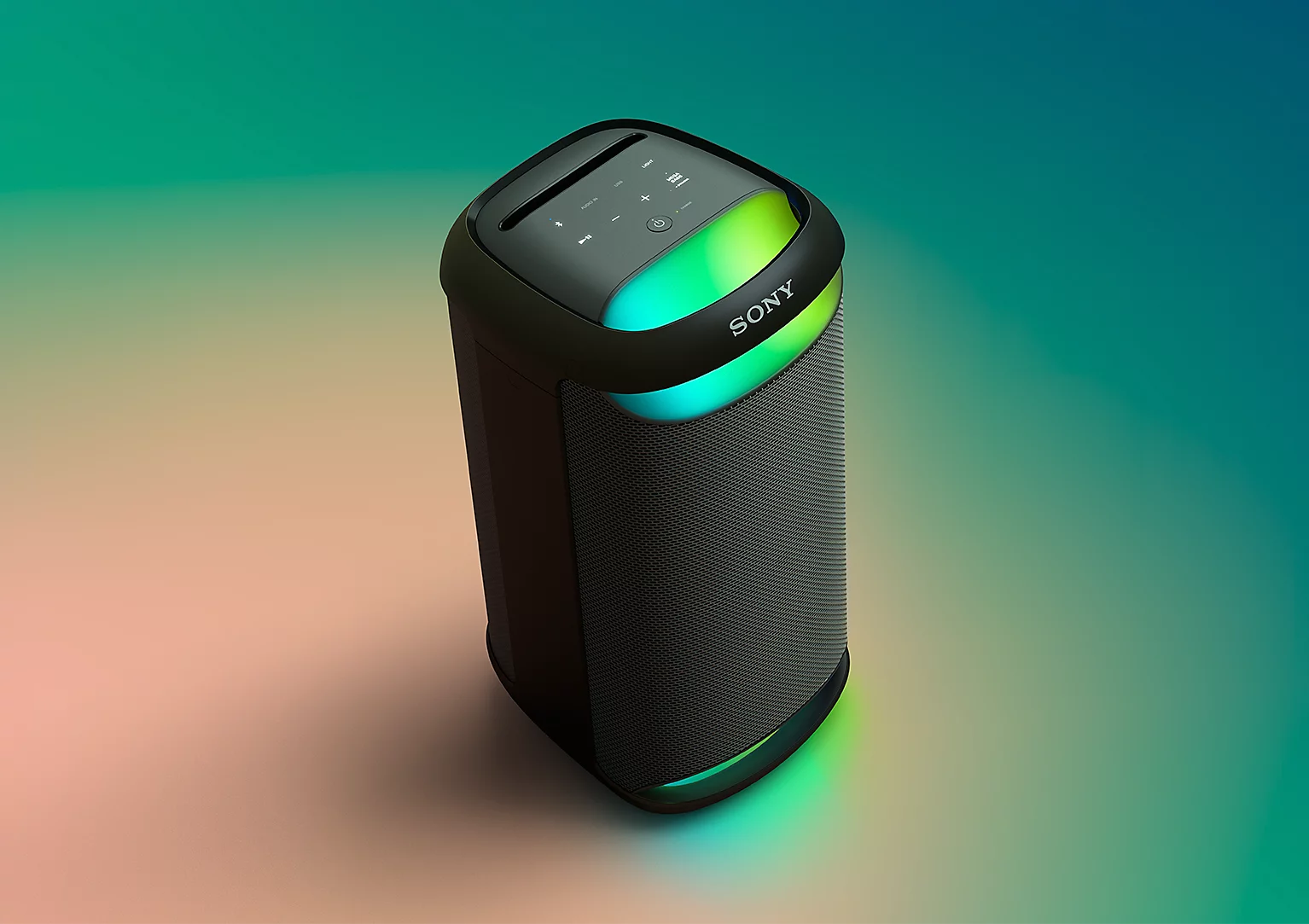
Description
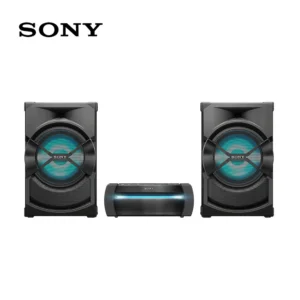
| 1 model | SRS-XV500 | |
|---|---|---|
| Summary | ||
|
WHAT’S IN THE BOX
|
AC Power Cord
|
|
|
Sound
|
||
|
SPEAKER TYPE
|
Woofer(L/R)/Tweeter(L/R)
|
|
|
NUMBER OF SPEAKER
|
Tweeter Unit: 2,Woofer Unit: 2
|
|
|
SPEAKER SIZE
|
Tweeter Unit: Approx. 60 mm,Woofer Unit: Approx. 140-140 mm
|
|
|
X-BALANCED SPEAKER UNIT
|
Woofer Unit
|
|
|
SOUND MODES
|
Clear Audio+,MEGA BASS,Volume Step 51,DSEE,custom EQ band 3,LIVE SOUND
|
|
|
Size & Weight
|
||
|
DIMENSIONS (W X H X D)
|
Approx. 269 mm x 564 mm x 294 mm
|
|
|
WEIGHT
|
Approx. 11.2 kg
|
|
|
Bluetooth® Specifications
|
||
|
COMMUNICATION SYSTEM
|
Version 5.2
|
|
|
COMPATIBLE PROFILES
|
Interface (A2DP) ,Interface (AVRCP) ,Interface (SPP)
|
|
|
SPEAKER ADD FUNCTION
|
Stereo Pair,Party Connect
|
|
|
SUPPORTED CODECS
|
SBC,AAC,LDAC
|
|
|
FREQUENCY TRANSMISSION RANGE
|
20 Hz – 20,000 Hz (44.1 kHz sampling)
|
|
|
FREQUENCY RANGE
|
2.4 GHz
|
|
|
Interface
|
||
|
INPUT AND OUTPUT TERMINALS
|
Stereo Mini Jack (IN) ,USB A,MIC Input 1(φ6.3mm),Guitar / MIC Input 1(φ6.3mm)
|
|
|
Application
|
||
|
COMPATIBLE SMARTPHONE APPS
|
Sony | Music Center / Fiestable
|
|
|
General Features
|
||
|
BATTERY LIFE
|
Approx. 25 H
|
|
|
POWER SUPPLY
|
AC 120-240 V, 50 / 60 Hz,Internal rechargeable
|
|
|
USB POWER PORT FOR SMARTPHONE
|
Yes
|
|
|
POWER CONSUMPTION
|
Approx. 55 W
|
|
|
WATER PROTECTION
|
IPX4
|
|
|
Eco and energy saving
|
||
|
POWER CONSUMPTION (OFF MODE)
|
not available
|
|
|
POWER CONSUMPTION (STANDBY MODE)
|
0,5 W
|
|
|
POWER CONSUMPTION (NETWORKED STANDBY MODE) – TERMINALS
|
2.0 W (Bluetooth) / 2.0 W (all terminals and networks connected)
|
|
|
STANDBY MODE ACTIVATED
|
After 15 minutes
|
|
|
NETWORKED STANDBY MODE ACTIVATED – TERMINALS
|
After 15 minutes (Bluetooth)
|
|
|
WIRELESS NETWORK(S) ON/OFF SWITCH
|
Touch and hold the – (volume) button and the (BLUETOOTH) button for 5 seconds. The (BLUETOOTH) indicator turns off and the BLUETOOTH function is set to off. When you touch and hold the – (volume) button and the (BLUETOOTH) button for 5 seconds once again, the (BLUETOOTH) indicator turns on and the BLUETOOTH function is set to on.
|
|
There are no reviews yet.